Posts
PyParsing
I just bought and read the Getting Started with Pyparsing PDF book. And it’s good. PyParsing is a way of building a parser using Python code. You should think Yacc/Lex, but readable. It can be used to parse text, and it can also handle HTML. This is the example from the PyParsing website : from pyparsing import Word, alphas greet = Word( alphas ) + "," + Word( alphas ) + "!
TNS_ADMIN
By default Oracle expects tnsnames.ora to be in the $ORACLE_HOME\network\admin directory. This is not always the most convenient place, especially because that directory is usually owned by the oracle user. To get around this, you can set the TNS_ADMIN variable. This points to the directory where you have put your own copy of tnsnames.ora . Like they say on TV : darn useful.
Greece
I just spent a few days in Greece, visiting Athens, Sounio and Delphi.
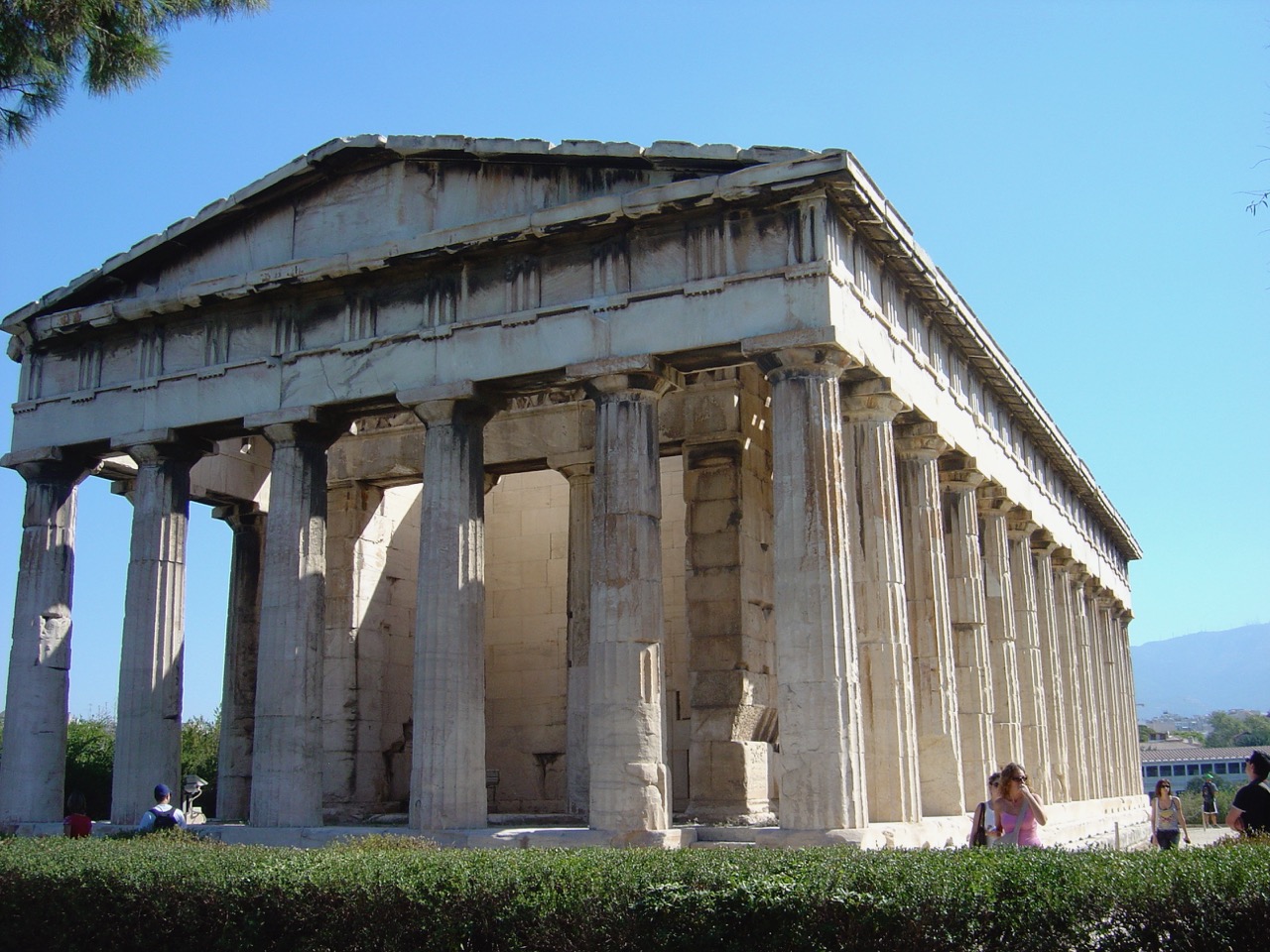
The temple of Hephaistos in the ancient Greek agora in Athens
Killing an Oracle session
Every time you log into Oracle, you create a session. This is an easy way to kill these Oracle sessions, thanks to this article. First, select the session ID and serial number as such : SELECT s.sid, s.serial#, s.osuser, s.program FROM v$session s; The osuser and program field can be used to identify the session. Then you can kill the session using : ALTER SYSTEM KILL SESSION 'sid,serial#'; It’s also possible to kill the session immediately (but that’s considered rude) : ALTER SYSTEM KILL SESSION 'sid,serial#' IMMEDIATE;
Cambridge
Some pictures of Cambridge (in the UK) were added to the website. It’s near where I live these days. Some of the colleges are shown, as well as photos from a visit to Wimpole Hall. This last one is a stately home in the countryside.

King's college chapel, the symbol of Cambridge